To set the scene, Entangled is one of, if not the best mission in Starfield.
Here’s what you gotta do to save both universes and net a legendary reward.
Here’s the bullet point breakdown, but keep reading for more details.

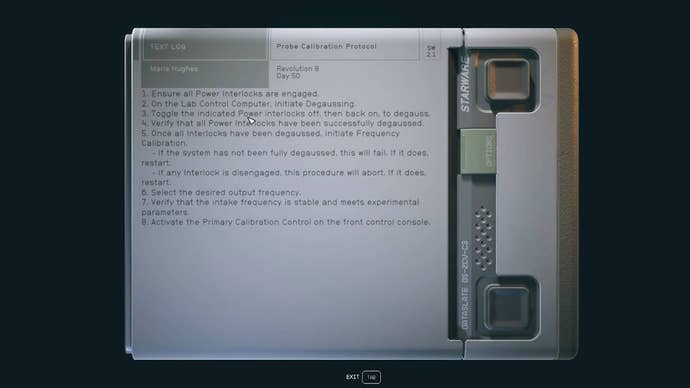
He’ll be carrying a Probe Calibration Protocol note, which details how to save both universes.
Make your way to the Lab Control Computer, which is on the second floor.
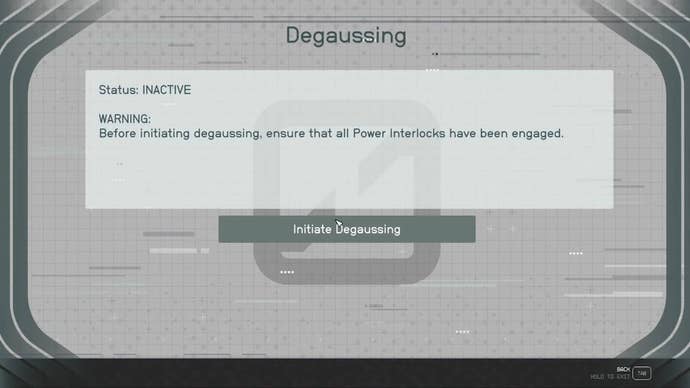
Whichever universe you are in, snag the degaussing option.

The screen will say that some power interlocks require degaussing.
Go to these switches and turn them off and then on again.
Switch universes, then head back to the Lab Control Computer and repeat the process in the other reality.
Check the computer in both universes to ensure you’ve done it correctly.
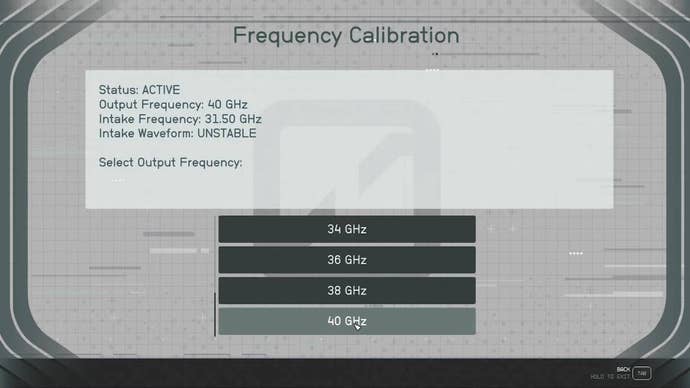
In the surviving world, select Frequency Calibration on the computer, then select 40GHz.
In the doomed world, do the same, but select 24GHz.
You have successfully saved both universes.