TheSteam Deckis all about transplanting the pleasures of PC gaming to a handheld.
How to take screenshots on the Steam Deck
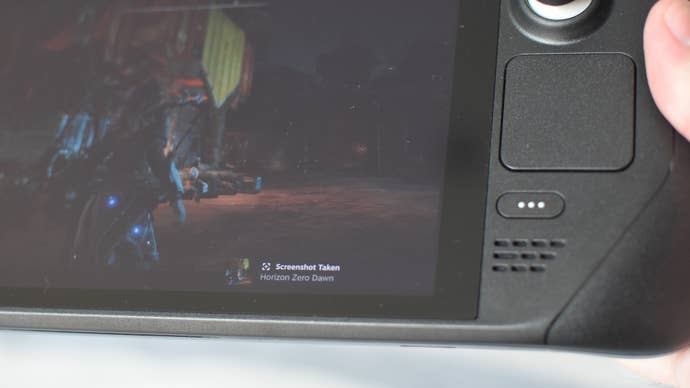
Hold down the Steam button, then tap R1.
Where are my Steam Deck screenshots saved?
Start by pressing (not holding) the Steam button, then navigate to Media.
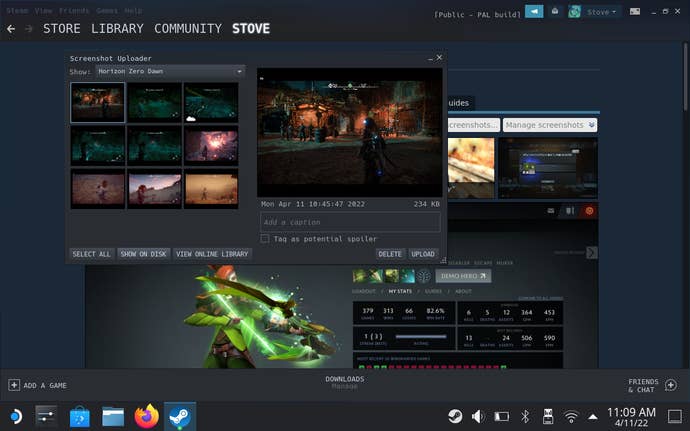
Confirm the upload, which will add the shot to your private library only.
bring up the app, click View in the top-left, then select Screenshots.