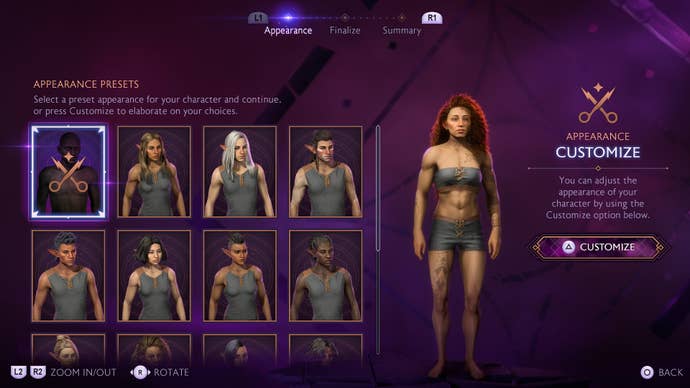
Luckily, there is a way to change Rook’s appearance mid-game for free.
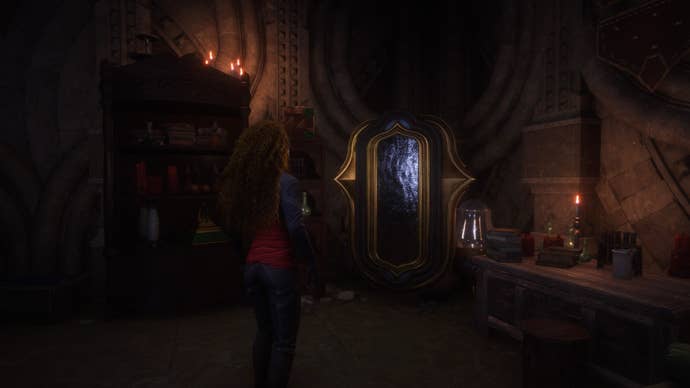
The mirror is located opposite Varric in theInfirmary, opposite Rook’s private quarters.
Simply interact with the mirror to be taken back to the character creation screen.
That rounds up our guide on changing Rook’s appearance in Dragon Age Veilguard.
If you’re a little further along, we also have all quest outcomes forsaving or leaving the mayor.